You are here:

I-9 Compliance Software for Employers

Manage every I-9 from new hire to audit readiness.

Imagility gives HR and compliance teams one workspace to complete Form I-9, manage E-Verify, coordinate remote verification, track reverification and retention, and remediate legacy records.

i 9 workspace

One form. Multiple deadlines. Years of responsibility.

Completing Form I-9 is only the beginning. Employers may need to manage verification, reverification, record retention, corrections and document production long after an employee’s first day.

calendar days

3 business days

Employers generally must complete Section 2 within three business days after the employee’s first day of employment.

calendar clock

Hire date + termination both matter

Employers generally retain Form I-9 for three years after the hire date or one year after employment ends, whichever is later.

files

Inspections move quickly

After a Notice of Inspection, employers are generally provided at least three business days to produce requested Forms I-9.

One I-9 workflow. From first day to final retention date.

Imagility connects onboarding, employment eligibility verification and ongoing I-9 obligations so HR does not have to rebuild the process at every stage.

Stage number (2)

COMPLETE + VERIFY

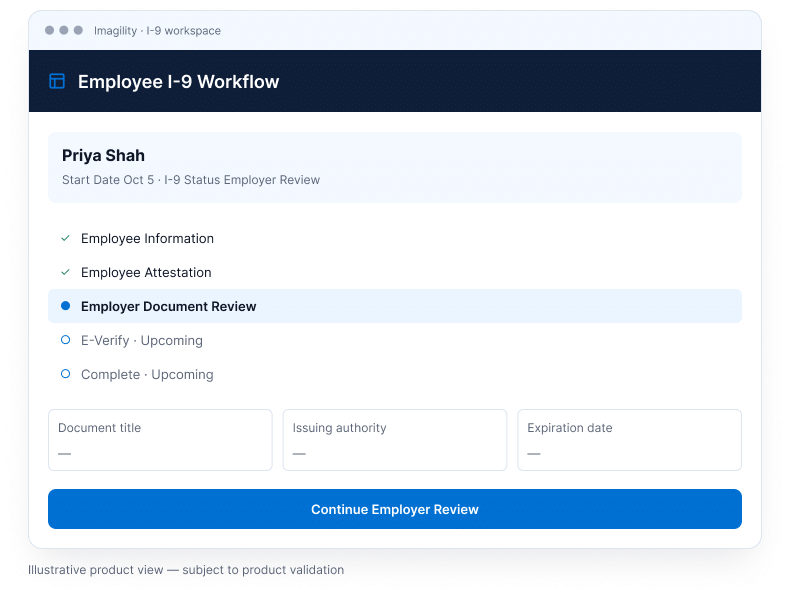
Complete the I-9 with a guided workflow.

Bring the employee and HR portions of the process into one workflow. Collect required information, review employment eligibility documentation, use supported electronic signatures, and move the record into E-Verify when applicable. For remote employees, use the verification workflow appropriate to your organization and eligibility.

i9 (1)
i9 (3)
Stage number

MONITOR + REVERIFY

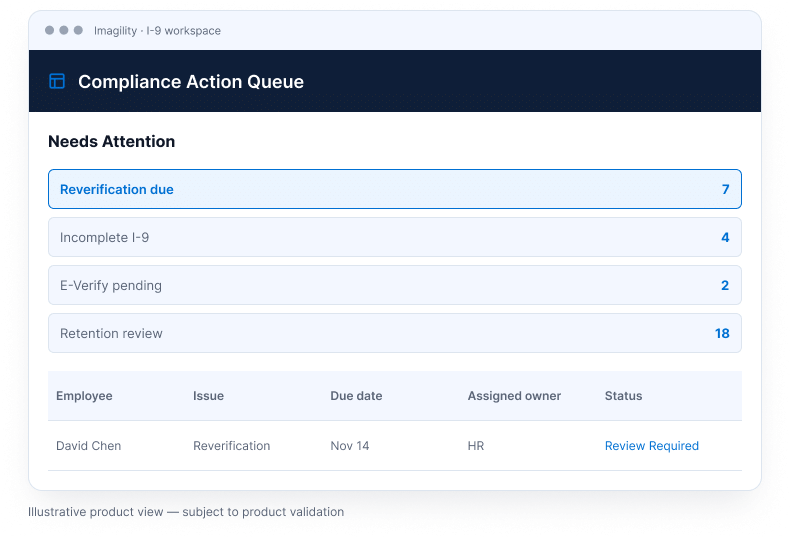
Know what needs attention before someone has to remember it.

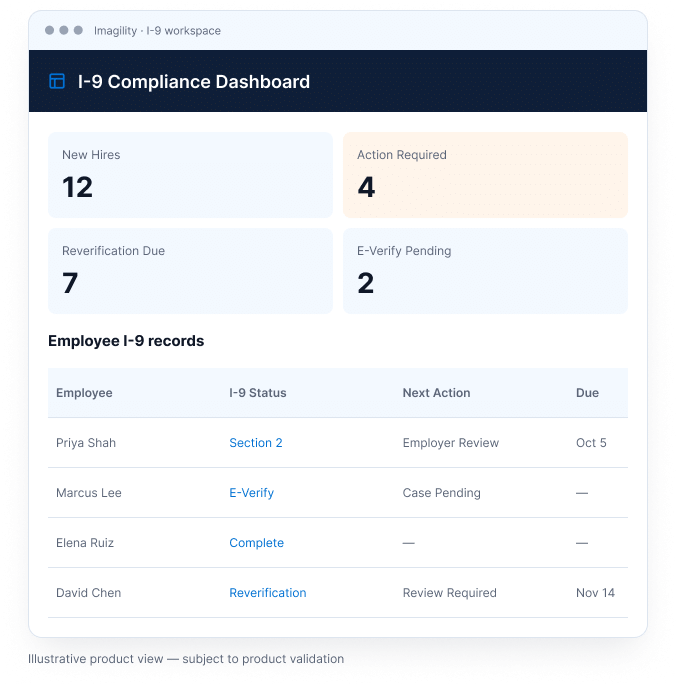
Track pending actions, employment-authorization expiration dates, reverification requirements and other I-9 records needing HR review from a central compliance view. Keep attention on the employee record and the next action, rather than relying on separate calendars or someone remembering a deadline.

Stage number (1)

AUDIT + CORRECT

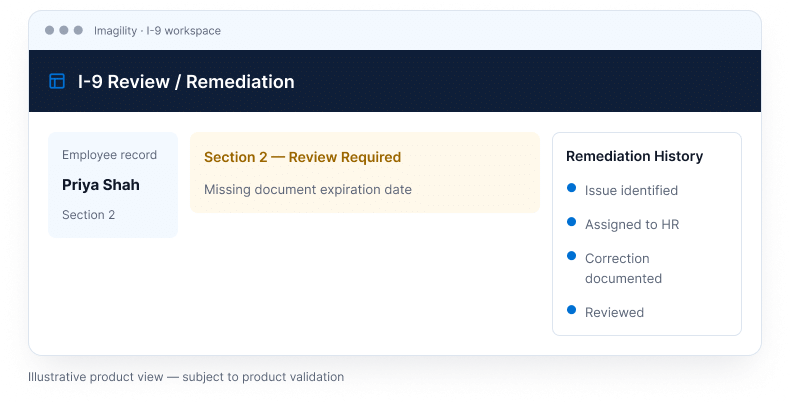
Find issues. Document corrections. Preserve the history.

Review existing I-9 records, identify incomplete or inconsistent information, manage supported remediation workflows, and keep corrections and activity tied to the employee record. Give HR a connected view of the item needing attention and the record of what happened next.

i9 (2)

Everything HR needs to keep the I-9 moving.

One connected workflow for new hires, existing employees and the records your team already has.

Capability icon

Guided I-9 Completion

Centralize employee information, documents and supported electronic signatures in one guided workflow.

Capability icon (1)

E-Verify

Move applicable employee information into the E-Verify workflow without rebuilding the same record.

Capability icon (2)

Remote Verification

Support authorized-representative workflows and eligible remote document examination procedures.

Capability icon (3)

Reverification + Expiration Tracking

Track employment authorization expirations and records that require future HR action.

Capability icon (4)

Self-Audit + Remediation

Review potential gaps, manage corrections and maintain remediation history.

Capability icon (5)

Retention + Audit History

Track retention timing, maintain employee I-9 records and preserve an activity trail.

Keep new I-9s clean. Get control of the old ones.

A strong I-9 program needs to solve two different problems: creating a consistent process for new hires and understanding the records already sitting in your files.

user plus

New hires

Build a consistent process going forward.

folder open

Existing I-9 population

Find out what is already in the file.

Convergence

Imagility I-9 workspace

Ongoing verification · Reverification · Retention · Audit history